
Game Boy Advance ROMs
Nintendo · 2001 · 1,902 games
Showing 1–30 of 1,902 · Most popular
This page lists 1,902 Game Boy Advance (GBA) ROMs, sorted by how often each one is downloaded. The GBA was released by Nintendo in 2001. The games archived here originally came out between 1983 and 2021.
The most common genres in this library are Action, Platformer, Role-Playing and Sports. The most downloaded titles right now are Pokemon Emerald, Pokemon Fire Red and Super Mario Advance 4.
To play these files you need a GBA emulator — mGBA and VisualBoyAdvance-M are the ones most people use. Each download below is a game file, not the emulator itself.
- Manufacturer
- Nintendo
- Released
- 2001
- ROMs archived
- 1,902
- Games from
- 1983–2021
- Regions
- USA, Europe and Japan
- Emulators
- mGBA and VisualBoyAdvance-M
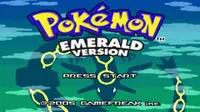
Pokemon Emerald
Pokemon Fire Red
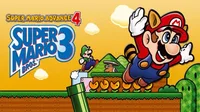
Super Mario Advance 4
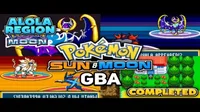
Pokemon Sun Moon GBA
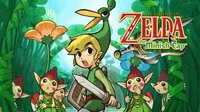
The Legend of Zelda: The Minish Cap
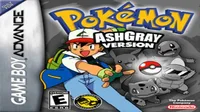
Pokemon AshGray
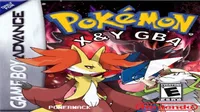
Pokemon X & Y GBA
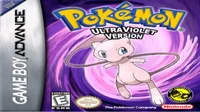
Pokemon Ultra Violet (1.22) LSA (Fire Red Hack)
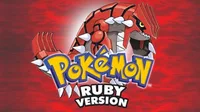
Pokémon Ruby
Pokemon Sword & Shield GBA

Mario Kart: Super Circuit
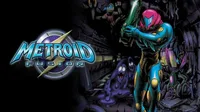
Metroid Fusion
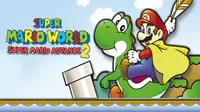
Super Mario Advance 2
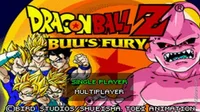
Dragon Ball Z - Buu's Fury
Pokemon Let’s Go Pikachu Eevee GBA Version

Kirby & the Amazing Mirror
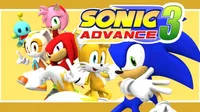
Sonic Advance 3
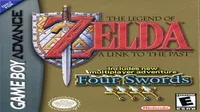
The Legend of Zelda - A Link to the Past and Four Swords
Mother 3 (Eng. Translation 1.1)
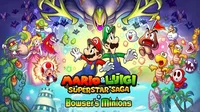
Mario and Luigi: Superstar Saga
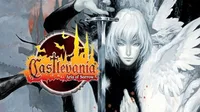
Castlevania: Aria of Sorrow

Final Fantasy VI
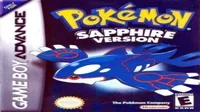
Pokemon Sapphire
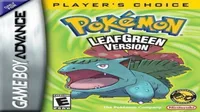
Pokemon - Leaf Green Version - V1.1
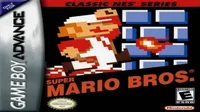
Classic NES - Super Mario Bros.
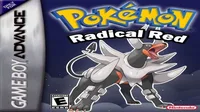
Pokemon Radical Red
Kirby - Nightmare in Dreamland
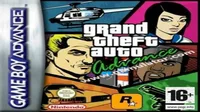
Grand Theft Auto Advance (EU)
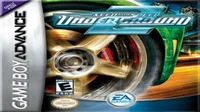
Need For Speed - Underground 2
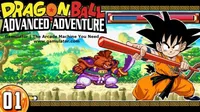
Dragon Ball - Advanced Adventure
About the Game Boy Advance
The Game Boy Advance arrived in 2001 as a 32-bit handheld with a 16-bit console's capabilities, and it was backwards compatible with a decade of Game Boy cartridges. Nintendo sold around 81 million of them across three hardware revisions, the last of which — the SP with a front-lit then backlit screen — fixed the original model's one serious flaw.
Its library sits at an unusual intersection: late-era 2D development from studios that had spent a decade mastering the form, arriving just as the industry was moving to 3D everywhere else. The result is some of the best-looking sprite work ever produced.
Choosing a GBA emulator
mGBA is the clear recommendation. It is accurate, fast, actively maintained and runs on desktop, mobile and as a libretro core. VisualBoyAdvance-M still works and remains common, but mGBA has surpassed it on accuracy and compatibility.
Neither requires a BIOS file — mGBA includes a high-level replacement — though supplying a real BIOS dump slightly improves a handful of games and restores the original boot animation.
Save files and save types
GBA cartridges used several different save technologies: SRAM, EEPROM and flash memory in two sizes. Emulators normally detect the correct type automatically, but a small number of games — particularly ROM hacks — guess wrong and fail to save.
If a game appears to save and then loses progress, manually setting the save type in emulator settings usually resolves it.
Screen brightness and colour
The original GBA screen was unlit and colours were mastered to compensate, so games often look washed out and overly bright on a modern display. Most emulators include a colour correction or LCD filter option that restores the intended look.
This is worth enabling. It is the single largest difference between a GBA game looking right and looking wrong.
Frequently asked questions
- Do I need a GBA BIOS file?
- No. mGBA and VBA-M both include functional replacements. A real BIOS dump is optional and affects only a few edge cases.
- Can I play Game Boy and Game Boy Color games too?
- Yes. mGBA emulates all three systems, matching the original hardware's backwards compatibility.
- Why do Pokemon ROM hacks fail to save?
- Hacks frequently change the save type without updating the header. Setting the save type manually — usually 128K flash for FireRed and Emerald hacks — fixes it.